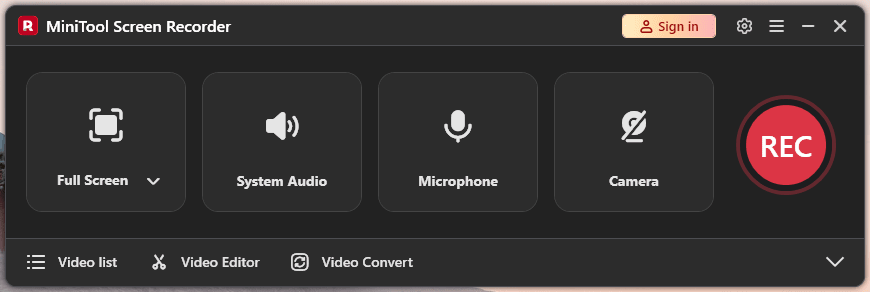
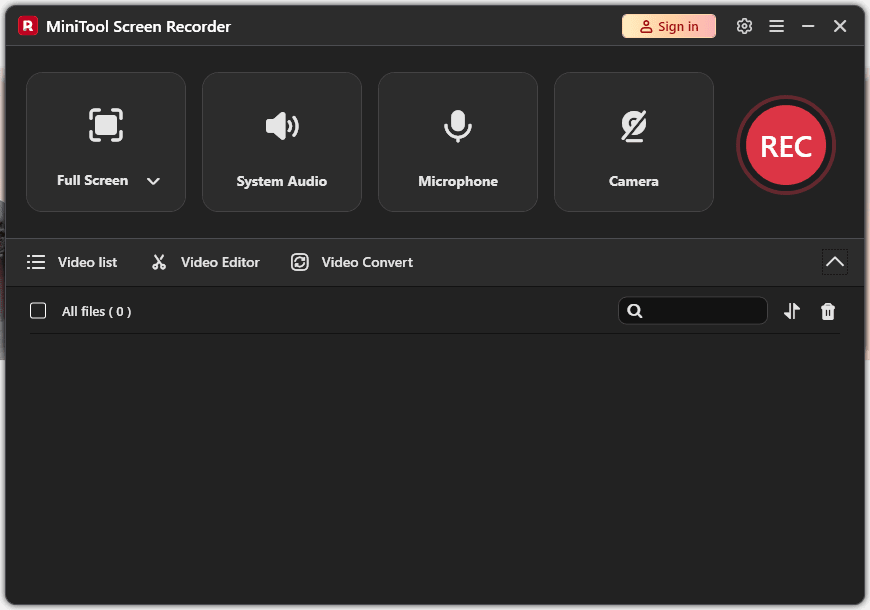
MiniTool Screen Recorder is a dedicated Windows application built to capture your desktop activity without the usual compromises. When hunting for a straightforward tool to record tutorials, gameplay, or online meetings, you usually hit a wall of restrictive time limits or intrusive watermarks. MiniTool bypasses these roadblocks, delivering a completely free utility for screen capture.
Flexible capture and 4K support
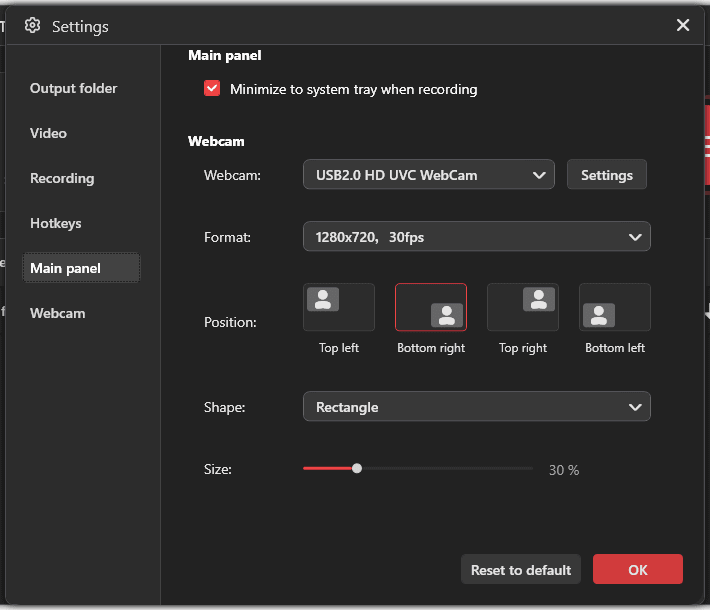
The software keeps desktop capturing simple. You can record the entire display, select a custom regional boundary, or isolate a specific application window. It supports picture-in-picture (PiP) by integrating your webcam feed, letting you choose between circular or rectangular frames and position them anywhere on screen.
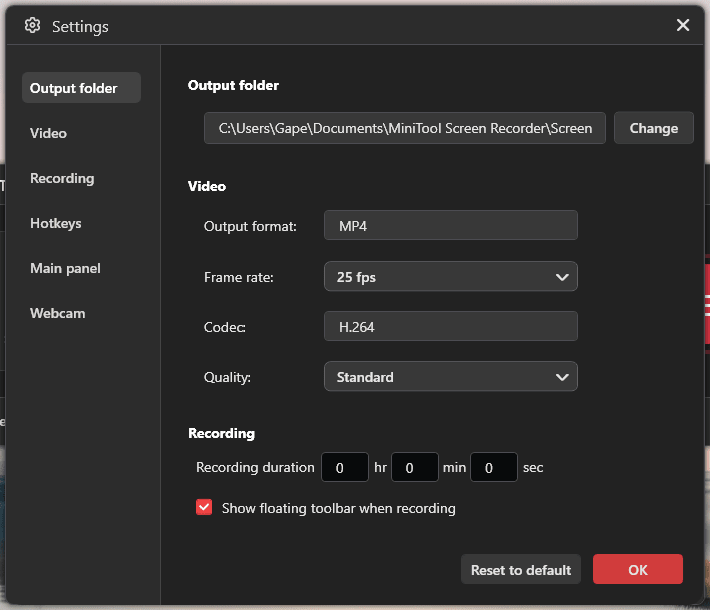
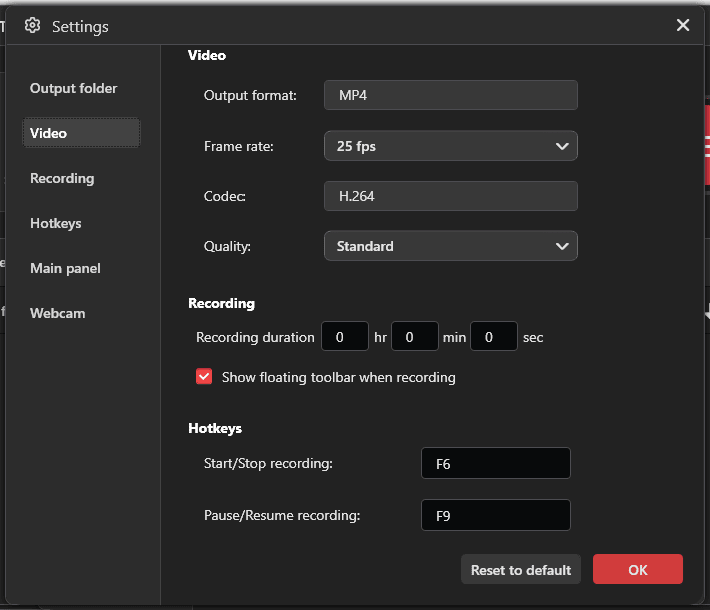
For a free utility, the format support punches above its weight. It handles resolutions up to 4K and frame rates from 15 to 60 FPS, which helps when recording high-motion gameplay. It also captures system audio and microphone input simultaneously, giving you precise control over individual volume levels before mixing them into the final video file.Real-time annotations
Live annotation stands out as the most practical feature. Instead of relying on post-production software to highlight important visual elements during tutorials or presentations, you can draw directly on the screen while the recording is active.
The toolset includes arrows, text boxes, shapes, and lines in various colors. It also offers a blank whiteboard option, perfect for sketching ideas or jotting down notes mid-presentation.
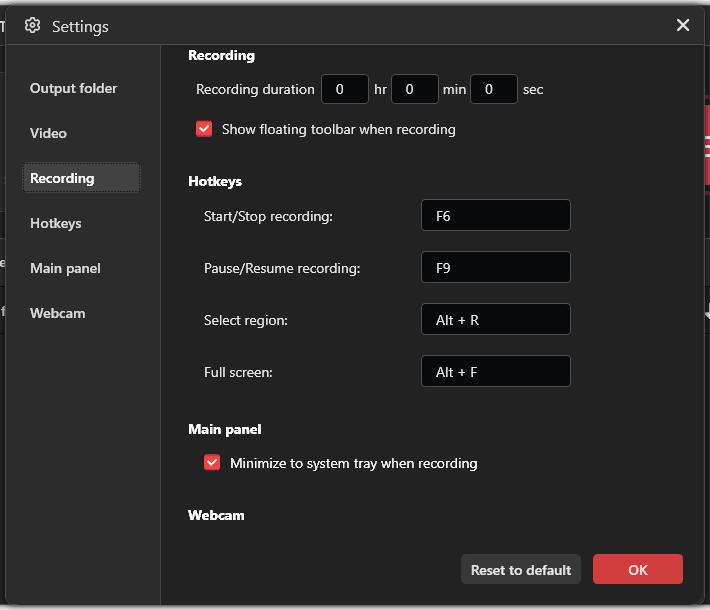
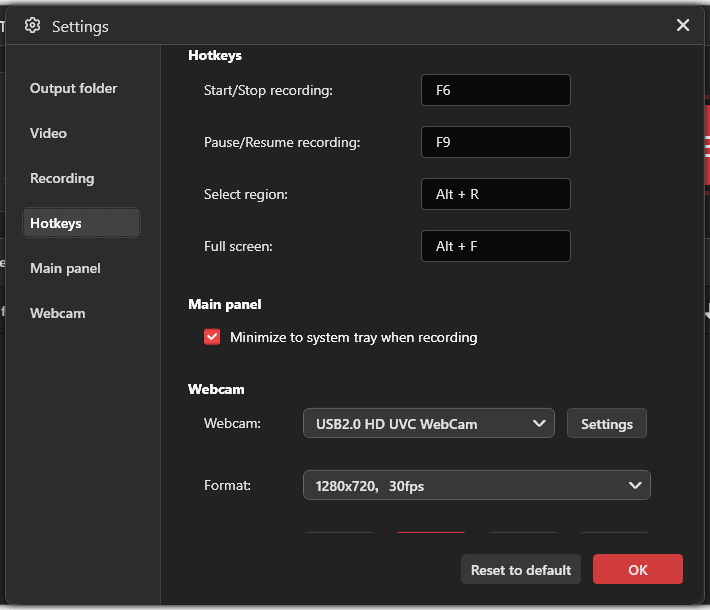
The developer keeps the design user-friendly, avoiding overly complex configuration menus. You can configure custom hotkeys to start, pause, and stop recordings on the fly without the interface showing up in your final export.Pricing and availability
MiniTool Screen Recorder operates on a completely free licensing model with no hidden fees, watermarks, or time limits. However, since software models occasionally change, you should always check the official website. The final cost depends on the tier chosen or active promotions, should any premium versions be introduced.A surprisingly powerful, restriction-free recording tool
MiniTool Screen Recorder is a lightweight application for Windows users who need a reliable desktop capture utility. While it lacks a built-in video editor, the core recording engine gets the job done well. By combining real-time annotations, 4K capture, customizable frame rates, and unrestricted recording time, it easily stands out as a highly capable free option.